All Courses

Adobe Premiere Pro Training at Insta InfoTech - Master Video Editing Skills

Insta InfoTech offers comprehensive Adobe Premiere Pro training designed for aspiring video editors and professionals. This course covers everything from basic to advanced video editing techniques, including timeline editing, transitions, effects, color correction, audio editing, and more. With hands-on practice and expert guidance, you’ll learn to create professional-quality videos for various platforms. 

Adobe Premier Pro
Adobe Premiere Pro at Insta InfoTech — The Ultimate Video Editing Solution

What is Adobe Premiere Pro?

Adobe Premiere Pro is a professional, industry-standard video editing application used by filmmakers, YouTubers, and content creators. It offers powerful editing tools, seamless integration with Creative Cloud apps, and intelligent features that streamline the entire post-production workflow—from import to final export.

Get started quickly by importing rough footage, organizing your media, and building sequences. Premiere Pro supports a wide range of formats and resolutions, making it suitable for social content, broadcast, and feature-length productions alike. Edit picture and sound, add motion graphics and effects, then export to your destination with confidence.

Why Choose Insta InfoTech for Adobe Premiere Pro?

At Insta InfoTech, training is hands-on and outcome-driven. Courses are designed for both beginners and working professionals, combining structured lessons with practical projects and guided feedback to build a strong, job-ready portfolio.

Key Features of Our Premiere Pro Training
  • Professional-Grade Editing Tools: Learn precise trimming, ripple/roll edits, timeline management, multicam, and adjustment layers.
  • Motion Graphics & Effects: Build titles and lower thirds, animate elements, use transitions, and integrate After Effects templates.
  • Color Grading & Correction: Use Lumetri Color for exposure, white balance, creative looks, secondary corrections, and matching shots.
  • AI-Assisted Workflows: Speed up edits with intelligent features that enhance search, captions, and timeline efficiency.
  • Multi-Format Support: Edit and export in diverse codecs and resolutions, including 4K, 8K, and vertical formats.
  • Audio Editing & Mixing: Clean dialogue, reduce noise, apply effects, mix levels, and master with Essential Sound.
  • Seamless Integration: Round-trip with Photoshop, After Effects, and Audition to accelerate motion and audio workflows.
What You Will Learn
  • Foundations: Project setup, media import, sequence settings, and organized workflows with bins and labels.
  • Editing & Narrative: Timing, pacing, J/L cuts, B-roll usage, and story-driven assembly.
  • Titles & Graphics: Essential Graphics, templates, brand-consistent typography, and animation basics.
  • Color Work: Primary/secondary correction, LUTs, scopes, and consistent looks across scenes.
  • Sound & Music: Dialogue cleanup, music bed balancing, SFX layering, and export loudness targets.
  • Finishing & Delivery: Export presets, codecs, bitrates, captions/subtitles, and platform-specific deliverables.
Benefits of Learning at Insta InfoTech
  • Certified Trainers: Learn from professionals with real production experience.
  • Practical Learning: Project-based assignments that translate to portfolio pieces.
  • Flexible Formats: Online and classroom sessions to suit different schedules.
  • Affordable Pricing: High-value training at competitive cost.
  • Job-Oriented Training: Skills tailored for roles in editing, content creation, and post-production.
Who Should Enroll?
  • Aspiring editors and content creators building professional skills.
  • Designers and marketers producing branded video content.
  • Filmmakers and social media teams optimizing post-production workflows.

Elevate your edits with a structured, hands-on curriculum. Learn to cut, color, mix, and deliver broadcast-quality videos—and build a standout portfolio with Insta InfoTech.

ADOBE PREMIERE PRO BASICS TRAINING
  • Nonlinear editing in Adobe Premiere Pro
  • Expanding the workflow
  • Touring the Adobe Premiere Pro workspace
SETTING UP A PROJECT
  • Setting up a project
  • Setting up a sequence
IMPORTING MEDIA
  • Importing assets
  • Working with the Media Browser
  • Importing images
  • The media cache
ORGANIZING MEDIA
  • The Project panel and Working with bins
  • Organizing media with content analysis
  • Monitoring footage
  • Modifying clips
ESSENTIALS OF VIDEO EDITING
  • Using the Source Monitor
  • Navigating the Timeline
  • Essential editing commands
WORKING WITH CLIPS AND MARKERS
  • Program Monitor controls
  • Controlling resolution
  • Using markers
  • Using Sync Lock and Track Lock
  • Finding gaps in the Timeline
  • Selecting clips & Moving clips
  • Extracting and deleting segments
ADDING TRANSITIONS
  • What are transitions?
  • Edit points and handles
  • Adding video transitions
  • Using A/B mode to fine-tune a transition
  • Adding audio transitions
ADVANCED EDITING TECHNIQUES
  • Four-point editing
  • Retiming clips and Replacing clips and footage
  • Nesting sequences
  • Regular trimming and Advanced trimming
  • Trimming in the Program Monitor panel
COLOR CORRECTION AND GRADING
  • Color-oriented workflow
  • An overview of color-oriented effects
  • Fixing exposure problems & Color balance
  • Special color effects & Creating a look.
PUTTING CLIPS IN MOTION
  • Adjusting the Motion effect
  • Changing clip position, size, and rotation
  • Working with key-frame interpolation
  • Using other motion-related effects
MULTICAMERA EDITING
  • The multi-camera process
  • Creating a multi-camera sequence
  • Switching multiple cameras
EDITING AND MIXING AUDIO
  • Setting up the interface to work with audio
  • Examining audio characteristics
  • Adjusting audio volume
  • Creating a split edit
  • Adjusting audio levels in a sequence
SWEETENING SOUND
  • Sweetening sound with audio effects
  • Adjusting EQ
  • Applying effects in the Audio Mixer
  • Cleaning up noisy audio
ADDING VIDEO EFFECTS
  • Working with effects
  • Key-framing effects
  • Effects presets & Frequently used effects
EXPLORING COMPOSITING TECHNIQUES
  • What is an alpha channel? Working with Alpha-Channel tranparencies
  • Making compositing part of your projects
  • Working with the Opacity effect
  • Color keying a greenscreen shot
  • Using mattes
CREATING TITLES
  • An overview of the Titler window
  • Video typography essentials
  • Creating titles
  • Stylizing text
  • Working with shapes and logos
  • Making text roll and crawl
MANAGING YOUR PROJECTS
  • The File menu
  • Using the Project Manager
  • Final project management steps
  • Importing projects or sequences
  • Managing collaboration
  • Managing your hard drives

EXPORTING FRAMES, CLIPS, AND SEQUENCES
  • Overview of export options
  • Working with Adobe Media Encoder
  • Recording For Audio-Video Presentations.
  • Exporting single frames
  • Exporting a master copy
AUDIO EDITING AND MIXING
  • Audio Clips,
  • Tracks and Master Volume
  • Adjusting Audio Clip Levels in the Timeline
  • Essential Sound Panel
  • Auto Ducking Music to Dialogue
SPEED CHANGE
  • Changing Speed
  • Reverse Speed
  • Time Stretch Tool
  • Variable Time Remapping
ADVANCED EDITING
  • Arranging a Storyboard and Automating to the Timeline Shuffle Edits
  • Advanced Editing Tools Introduction to Nesting J/L edits (Separate Audio and Video)
  • Replacing Clips and Retaining FX Attributes Picture in a Picture
WORKING WITH EFFECTS-INBUILT AND EXTERNAL
  • Applying Effects Effect Controls Panel
  • 'Fixed' Effects vs 'Added' Effects
  • Saving and Re-using Effects
  • Basic Introduction to the Lumetric Color Panel
  • Copying FX vs Copying Attributes
  • Frequently Used Effects Adjustment Layers
ADVANCED TRANSITIONS
  • Adding Transitions
  • Editing Transitions
  • Applying Video Transitions to Multiple Clips
  • Changing Default Transitions
  • Replacing Transitions
  • Changing Default Duration of Transitions Audio Transitions Transitions
SETTING UP A RECORDING-AREA
  • Voicing professional narrations
  • Examining audio characteristics
  • Adjusting audio volume
  • Adding J-cuts and L-cuts
IMPORTING ASSETS
  • Techniques for Importing Assets
  • Importing Video and Audio Formats (Assets)
  • Importing Photoshop,
  • Illustrator Files &Images Organizing Footage
SWEETENING SOUND WITH AUDIO EFFECTS
  • Trying out stereo and surround sound effects
  • Working with the audio mixer
  • Outputting tracks to sub-mixes
  • Recording voice-overs and Creating surround sound mix
  • Moving up to professional editing with Adobe Audition
STABILIZING FOOTAGE
  • Analyzing Footage with the Warp Stabilizer Effect
  • Smoothing Motion, Removing Motion
CHROMA KEYING (GREEN SCREEN)
  • The Ultra Key Effect and Using matte keys
MAKING COMPOSITING PART OF YOUR PROJECTS
  • Working with the Opacity effect
  • Two multiple track video effects: Blend and Textures
  • Working with alpha channel transparencies
  • Applied chroma, color and luminance keying effects
AN OVERVIEW OF COLOR-ORIENTED EFFECTS
  • Adjusting and enhancing color
  • Using nested sequences
  • Three quick editing techniques & Recommended keyboard shortcuts
PROJECT MENU OVERVIEW
  • Using the Project Manager
  • Conducting a Clip Notes review
  • High definition video and fim features
PHOTOSHOP TIPS FOR DVD PRODUCTIONS
  • Editing Encore DVD menus in Photoshop
  • Text animation with After Effects
  • Using effects and Motion Tracker
EXPORT OPTIONS
  • Exporting a single frame
  • Creating standard movie, image sequence & audio files
  • Working with edit decision lists
  • Exporting DVD & Previewing Your DVD project
  • Adding DVD markers to the Timeline
  • Creating an auto-play DVD with markers
EXPORTING
  • xporting for Web, Social Media and Mobile Devices
  • Pixel Aspect Ratios & Saving Export Presets
  • Adobe Media Encoder
  • xporting for Broadcast

Send Me Message

Trust & Validation

UGC-Recognized Skilled Qualifications for the Modern Global Workforce

University Certification

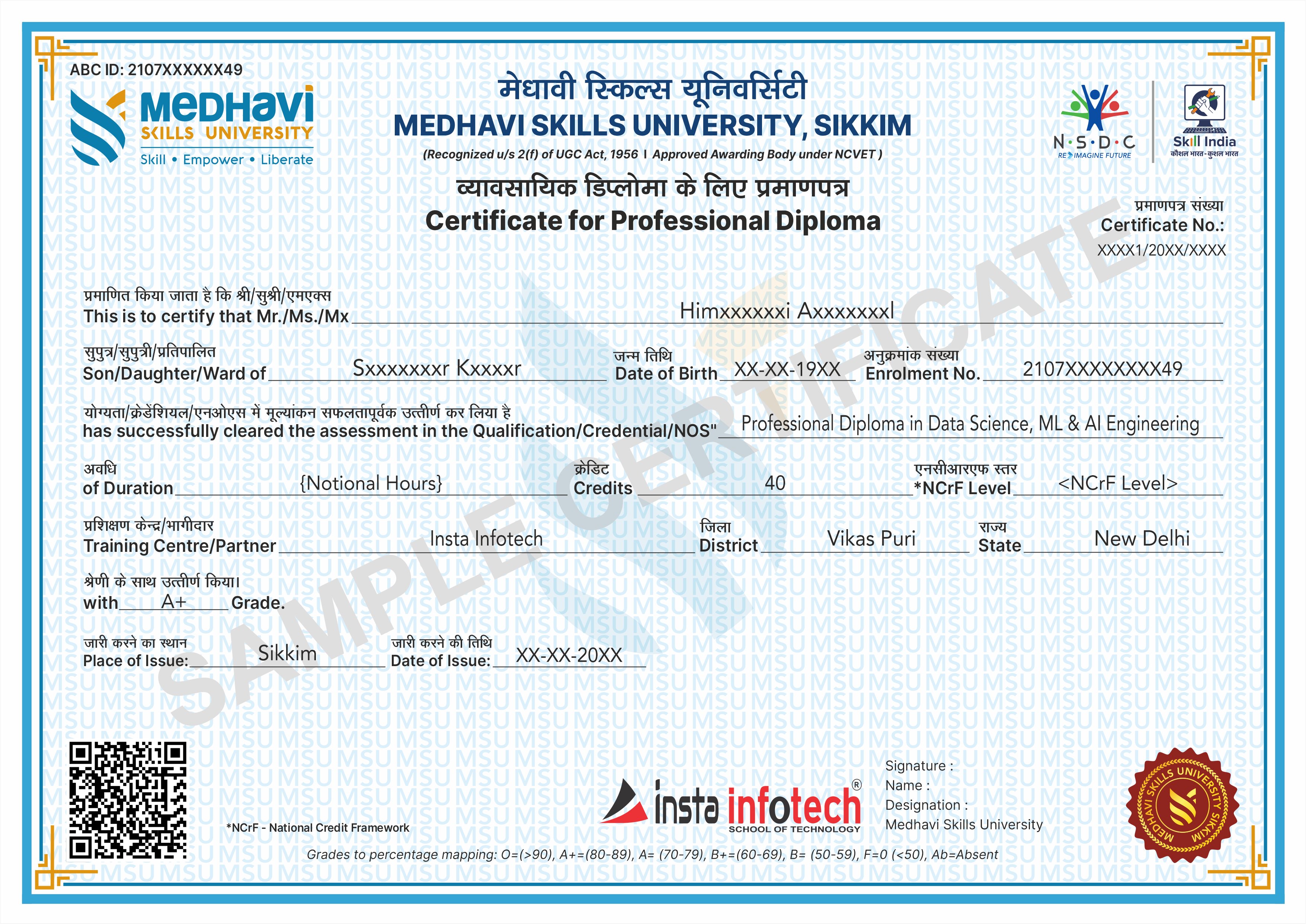
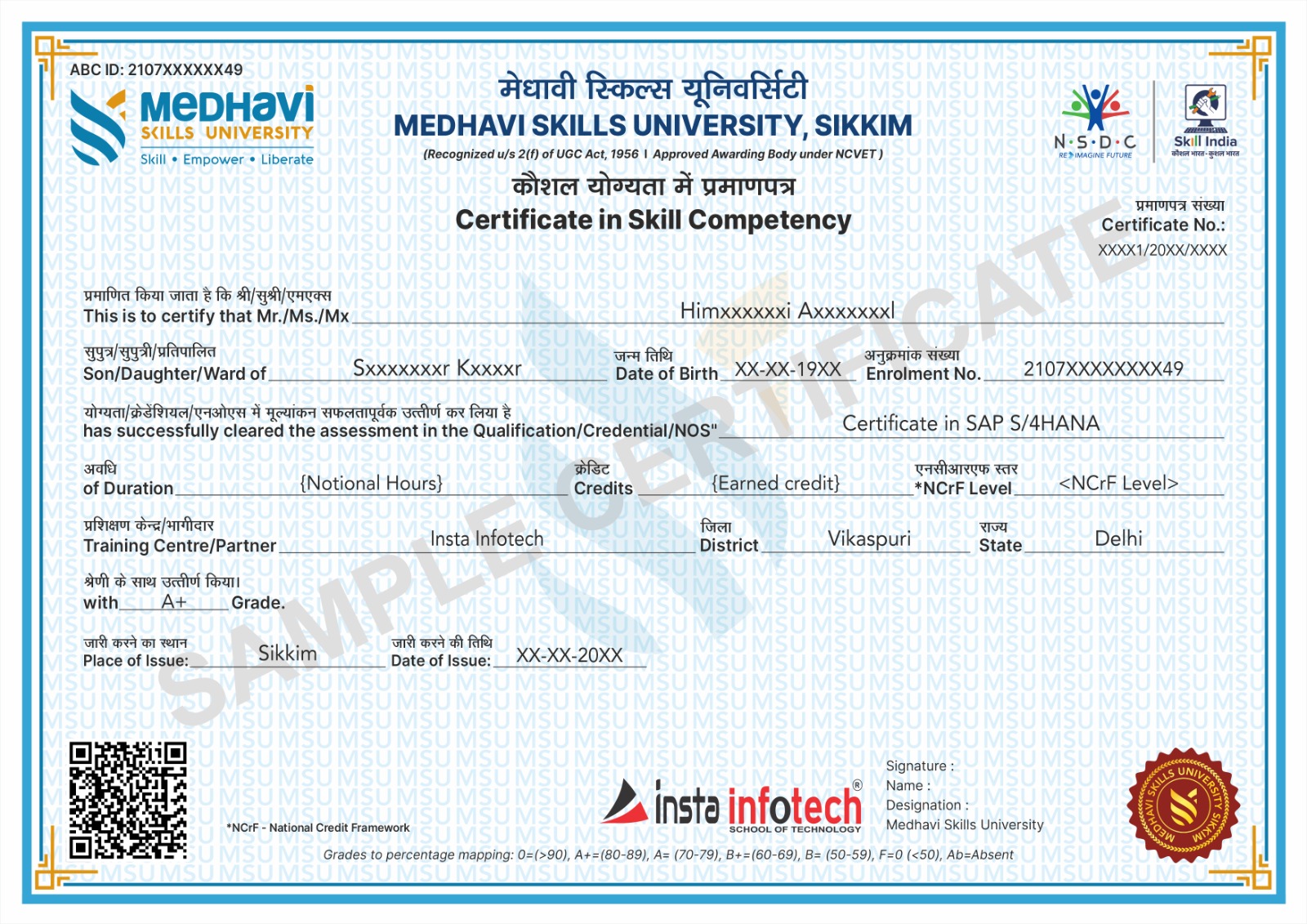
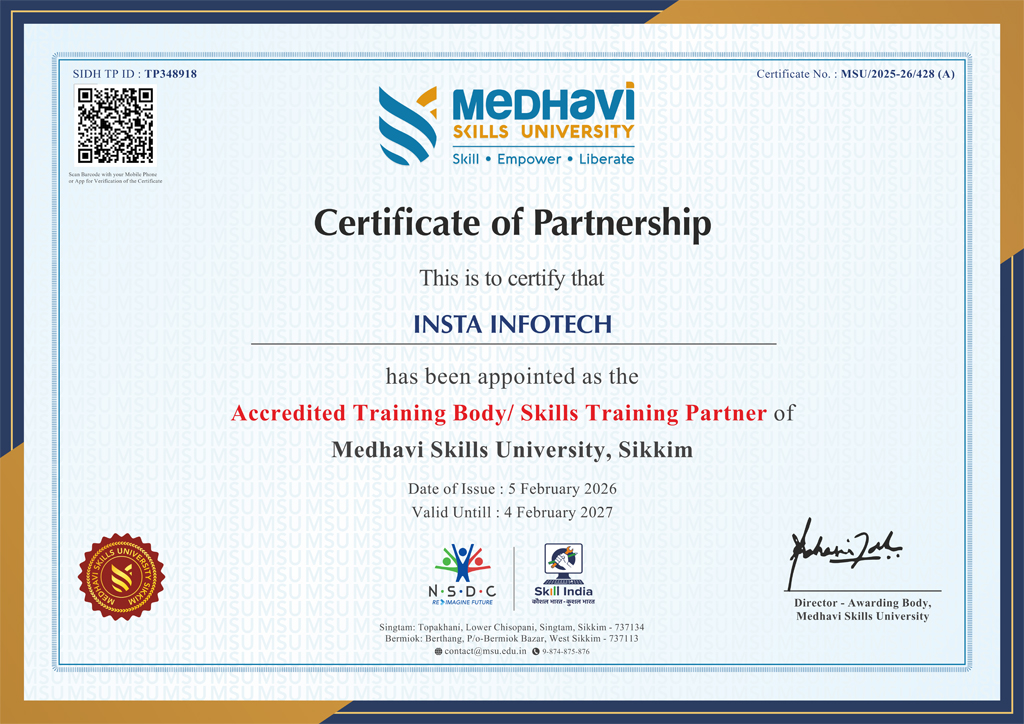
Earn industry-relevant Certificates and Diplomas awarded by Medhavi Skills University, a UGC-recognized University. Insta Infotech is Approved Training Partner of Medhavi Skills University, ensuring quality education and credible certification.
Certificate Verification

All Certificates and Diplomas are digitally verifiable through Government of India platforms, including Skill India Digital Hub (MSDE), ABC.gov.in (Ministry of Education), and DigiLocker, ensuring authenticity and nationwide recognition.
Credit-Based Course (NCrF)

Our courses are aligned with the National Credit Framework (NCrF) under the National Education Policy (NEP) 2020. Learners earn academic credits that strengthen their skill-based education profile and can be seamlessly transferred toward higher education pathways.

Global Recognition
Global Recognition

NCrF-aligned skill credits are recognized across the UK, EU, and Australian education systems. Through MSU’s global partnerships, learners benefit from dual certification opportunities and accelerated pathways to international degree programs.

Skill India Mission
Skill India Mission

Insta Infotech empowers learners with future-ready skills. Backed by the Skill India Mission and our academic partnership with Medhavi Skills University, we bridge the gap between education and employment through practical, hands-on learning and nationally recognized certifications.

Placement Support
Placement Support

Quality Skill Education — this is not merely a certificate of attendance, but a verified academic credential that enhances credibility and opens opportunities across MNCs, embassies, and government sectors.

Specializations

Skilled, Qualification, Certification

Course Credibility

Course Credibility

Our programs are certified by a recognized university, ensuring legal authenticity, academic validity, and strong professional acceptance. This means your qualification carries real value for employment, career advancement, and higher education.
Employability

Employability

Our programs combine practical training, real-world projects, and industry-relevant skills to prepare students for immediate employment. we ensure learners confidently transition from education to professional careers.

Global Standards

Global Standards

Our programs follow internationally aligned curricula and current industry requirements, ensuring learners gain globally relevant knowledge, practical competencies, and professional practices. This prepares students to adapt, compete, and work confidently.

National Alignment (Skill India)

National Alignment (Skill India)

Aligned with the Skill India Mission, we transform vocational training into a nationally recognized qualification, enabling our students to become part of India’s formal skilled workforce.

Academic Mobility (Credit-Based)

Academic Mobility (Credit-Based)

Through the National Credit Framework (NCrF), our courses are not merely extra-curricular; they are credit-earning modules that contribute directly toward your formal higher education pathway.

NEP 2020 Integration

NEP 2020 Integration

Aligned with the National Education Policy 2020, we transform traditional IT education into a multidisciplinary, skilled-based vocational pathway that enables students to earn formal academic credits.

Our Blogs

Latest Blog Updates

SEO Training Having Great Future Insta Infotech

Internet marketing is now flourishing throughout the world. The widespread use of internet has increased the market of products and services online. This has again increased the demand of online marketers.

Read More

Skillful Website with Developing Standards

If you are planning to choose a career in IT, here you find the career scope in joining Web designing course in Delhi.

Read More

Connect IT Training Peaks

Insta infotech “Software And IT Training Institute” makes an instrument to meet the twin challenges of continuous improvement in IT demand for change

Read More

Pick up High-Level Programming Language Python

Python is a High-level programming language. Python programming can be used for Data Science, Network Programming Web Development, etc. Our training covers python as object Oriented, Python as Data structure, GUI, Database connection with Python. Python is famous language as machine learning, course focus on  learning from beginning to advanced level.

Read More

Specialize in RHCSA certified Professional

Insta Infotech certified candidates with RHCSA practice course with 200+ RHEL7 real-world problem scenarios covering all the exam. An RHCSA® certification is earned when an IT professional try the core system administration skills required in Red Hat Enterprise Linux environments. To become an RHCSA certified, you need to pass the EX200 exam. Only this course has the up to date simulated tests questions, where all questions are carefully scrutinized by real Linux certified professionals.

Read More

Start Your Career As SEO Expert

Search Engine Optimization is one of the essential method you can make use of, attaining more higher rankings but also for running effective Search Engine Optimization campaigns.Today building a career in website development standards is the prime focus on all SEO methods, and also if it's not appropriately implemented. Professional and practical SEO courses in Delhi works on Live Projects that can provide you long-term gains in a shorter period.

Read More

Transform Your Career with Insta InfoTech - Premier IT Training Institute

Join Insta InfoTech for cutting-edge IT training programs designed to boost your skills and career prospects. Offering expert-led Courses in Software Development, Data Science, Cybersecurity, and more.

00+

Trained Students

00+

Years of Experience

00+

Countries Represented

00x7

Support

Insta Infotech

What We Offer

At Insta Infotech, we specialize in a wide array of courses across domains like:

Programming Languages: Java, Python, C++, .NET, and more. Data Science & Analytics: Machine Learning, AI, Big Data. Cloud Computing & DevOps: AWS, Azure, Docker, Kubernetes. Cybersecurity: Ethical Hacking, Network Security. Digital Marketing: SEO, Social Media, Content Marketing. Database Management: SQL, PL/SQL, MongoDB, Oracle.
Enquire Now
Our learners work at